

Control Design Software for Power Electronics
The easiest and fastest way to design the control of your power converter
With a perfect combination of predefined topologies and compensators and a custom design with a powerful equation editor that lets you create your own transfer functions for all the power converter elements: plant, sensor and compensator. Import your system frequency response and export your final control design to PSIM: stay connected.

Solutions Map: navigate the cursor within a stable solutions space.
Why should I use SmartCtrl?
Simple
Versatile
In-depth knowledge
From specification to final design
01
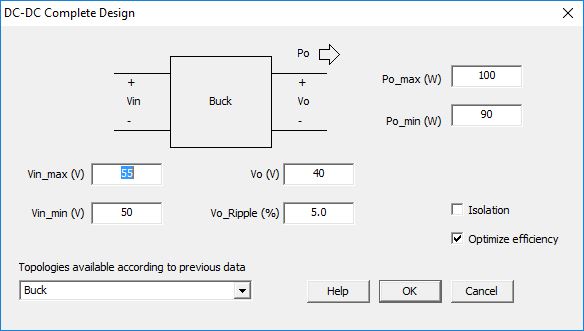
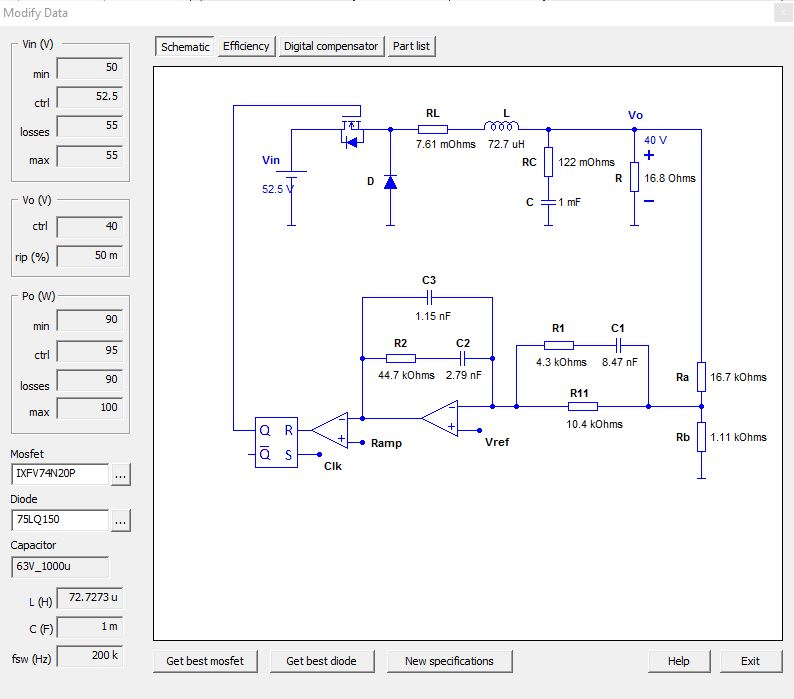
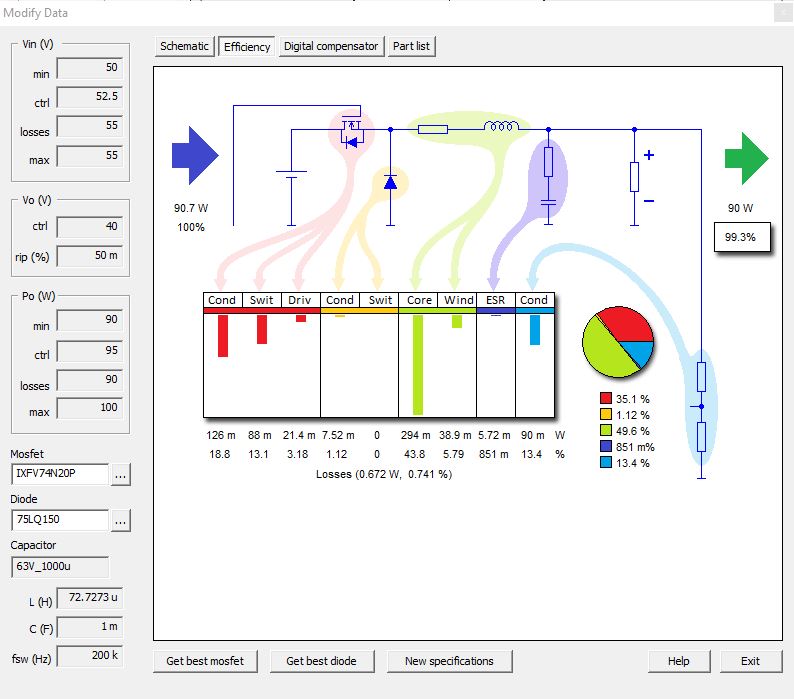
Control Designs from Specs
Starting from a specification, design quickly and visually the best control for your converter, with result feedback for both analog and digital controls.
02
Multi-Loop Control Structures
Both Average-Current Mode Control and Peak-Current Mode Control are supported in SmartCtrl, providing greater scope in design.

03
Solutions Map
Optimize your design using the solutions map. Navigate the cursor within a stable solutions space, which aids in your selection of the optimal design.
04
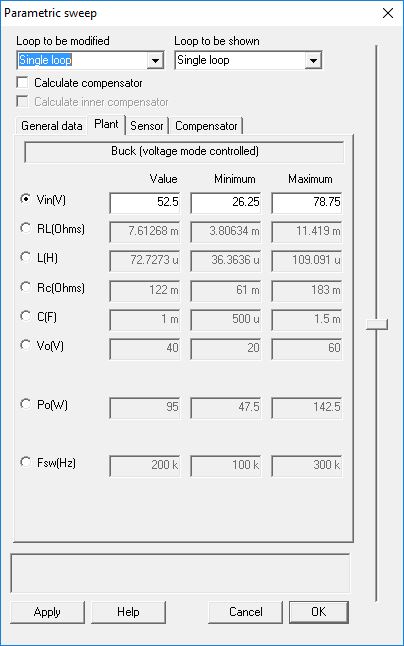
Analyze How Robust your Control is
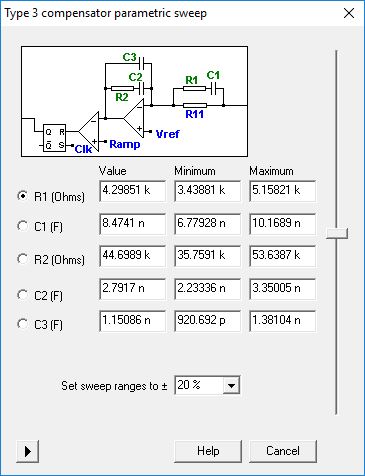
Does your control remain stable when the input voltage changes? SmartCtrl’s Parametric Sweep feature allows you to carry out sensitivity analysis of every parameter of the plant, sensor and regulator.
05
Create and Edit your own Analytical Model
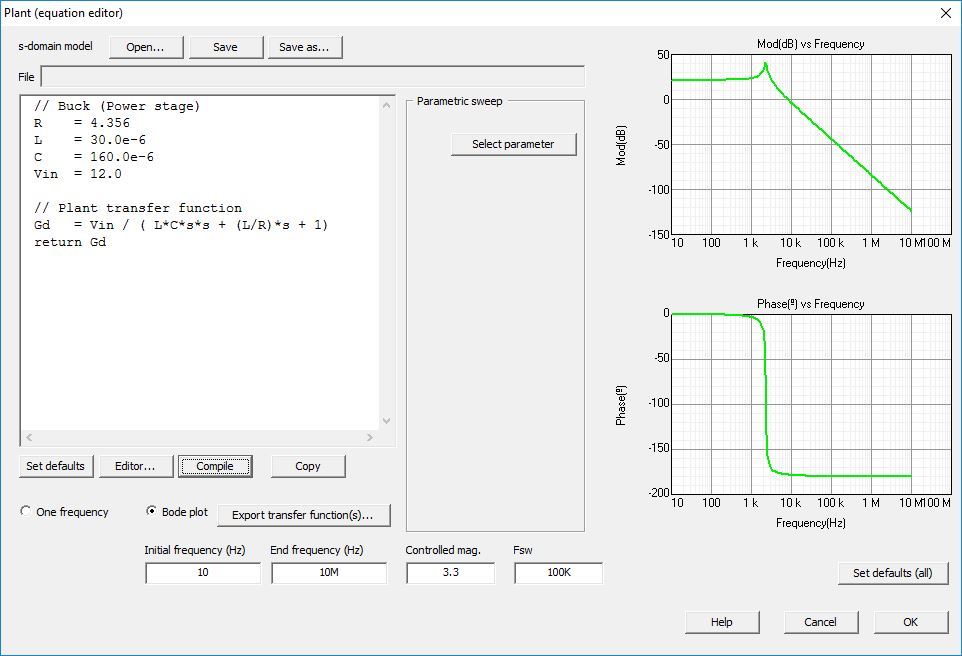
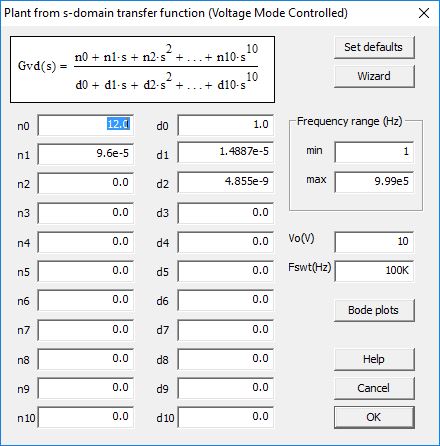
With the Equation Editor, you can customize your own analytical model for your specific converter. The design tools of SmartCtrl then help you to calculate the compensator required.
06
Analog and Digital Control are supplied
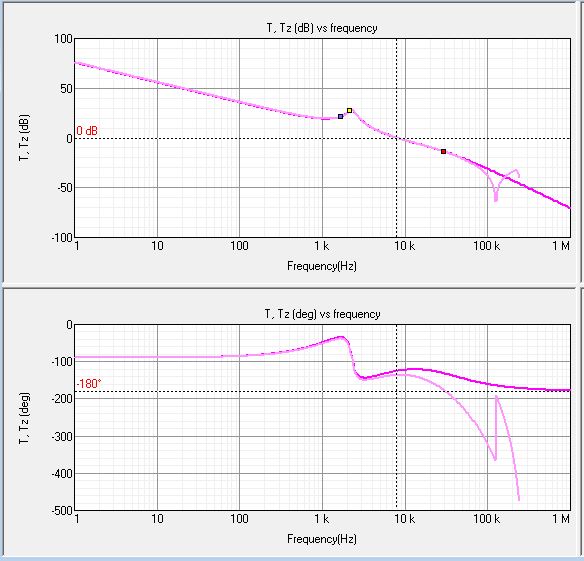
Design the control of your converter directly in the digital domain or, alternatively, transform an analog control to digital and then examine the effect of sample rate, digital delay, number of bits, etc.
07
Detailed Output Information
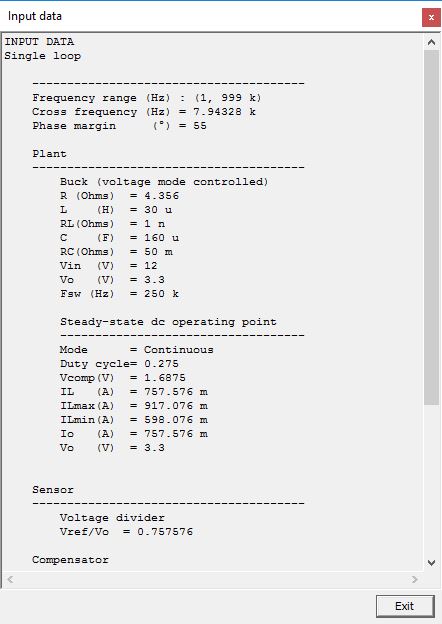
SmartCtrl provides detailed information about the designed compensator (resistor, capacitors or z-domain coefficients), and about the power stage and steady-state waveforms. Reports can be generated automatically, and every plot can be exported efficiently (as an image or data points).

Application
Where is SmartCtrl used?


SmartCtrl is widely used in education, not only for cutting-edge technology research but also as a teaching tool for future engineers and developers.
Design the control of your power converter
Download the brochure, explore the resources or ask us for a quote.